The trading journal that grows with your strategies.
Finally get a complete picture of your trading. Automatic IBKR import, correct handling of options strategies — and for the first time you can clearly see what actually works.
Windows desktop app · Annual license or lifetime · Try free for 30 days
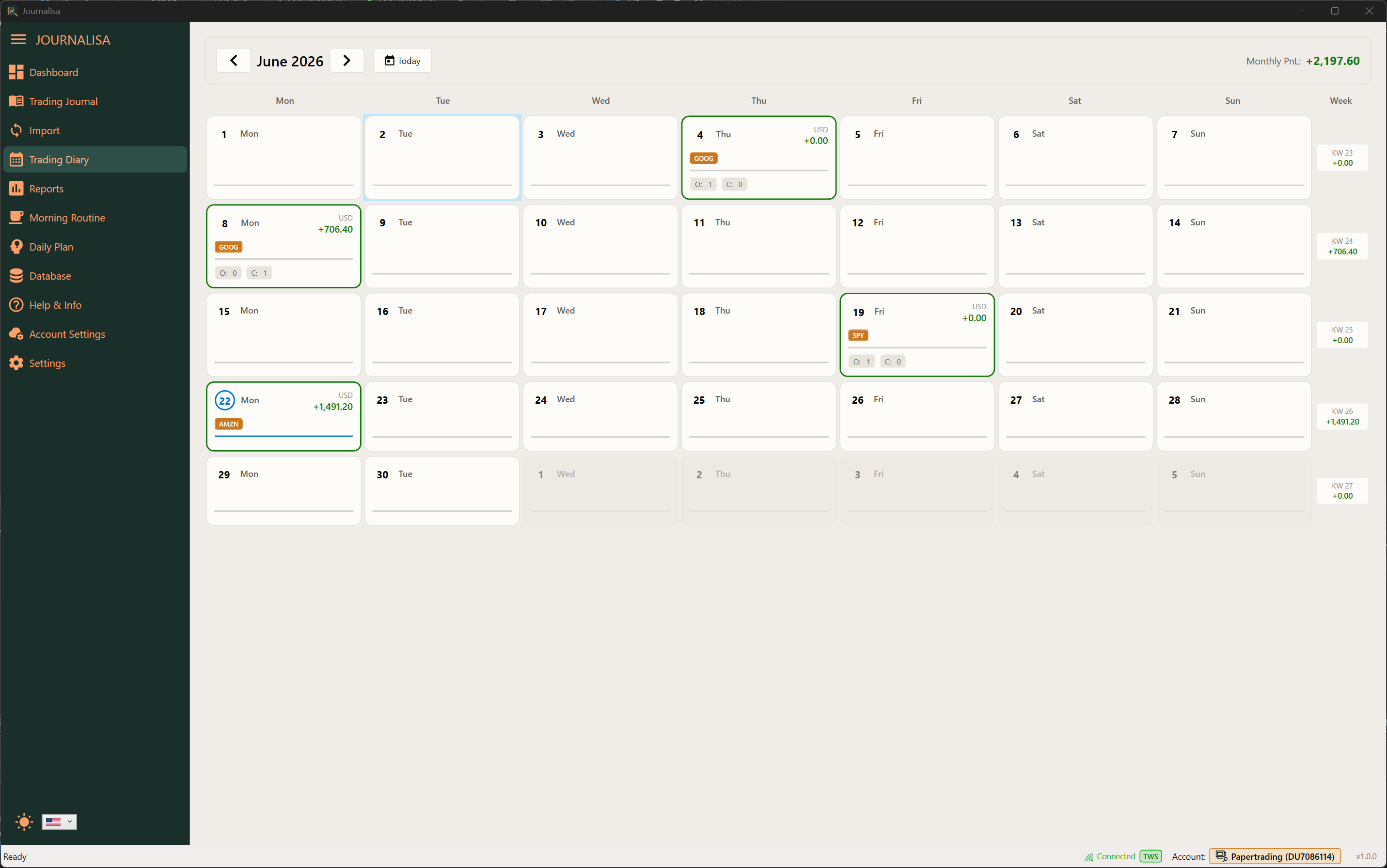
Journalisa in action
Don’t just measure your trades — measure your discipline.
See whether you follow your plan or let emotions take over.
Most traders do not fail because of their strategy — they fail because they do not execute it consistently. Journalisa makes it visible whether you truly follow your own rules.
How it works
- 1Download the software and try it free for 30 days
The installer includes a full-featured 30-day trial — no credit card required.
- 2Purchase a license — annual or lifetime
After purchase, you will receive your license file by email.
- 3Open the license file with Journalisa — ready instantly
Simply open the license file in Journalisa and you are ready to go.
Journaling only works if you actually do it.
Excel is tedious and time-consuming — which is exactly why people eventually stop using it. With Journalisa, you import your trades at the push of a button and reduce manual data maintenance to a minimum.
❌ Excel & traditional journals
- Multi-leg strategies are represented incorrectly or not at all
- Hours of manual maintenance
- Gaps because you forget or give up
- No support before the trade
- Cloud-based — privacy concern
✅ The Journalisa way
- Correct representation of complex options strategies
- Fully automated import — no gaps
- Workflow: routine → plan → trade → review
- Active support before and during trading
- Local data storage — privacy first
No gaps in your trade history
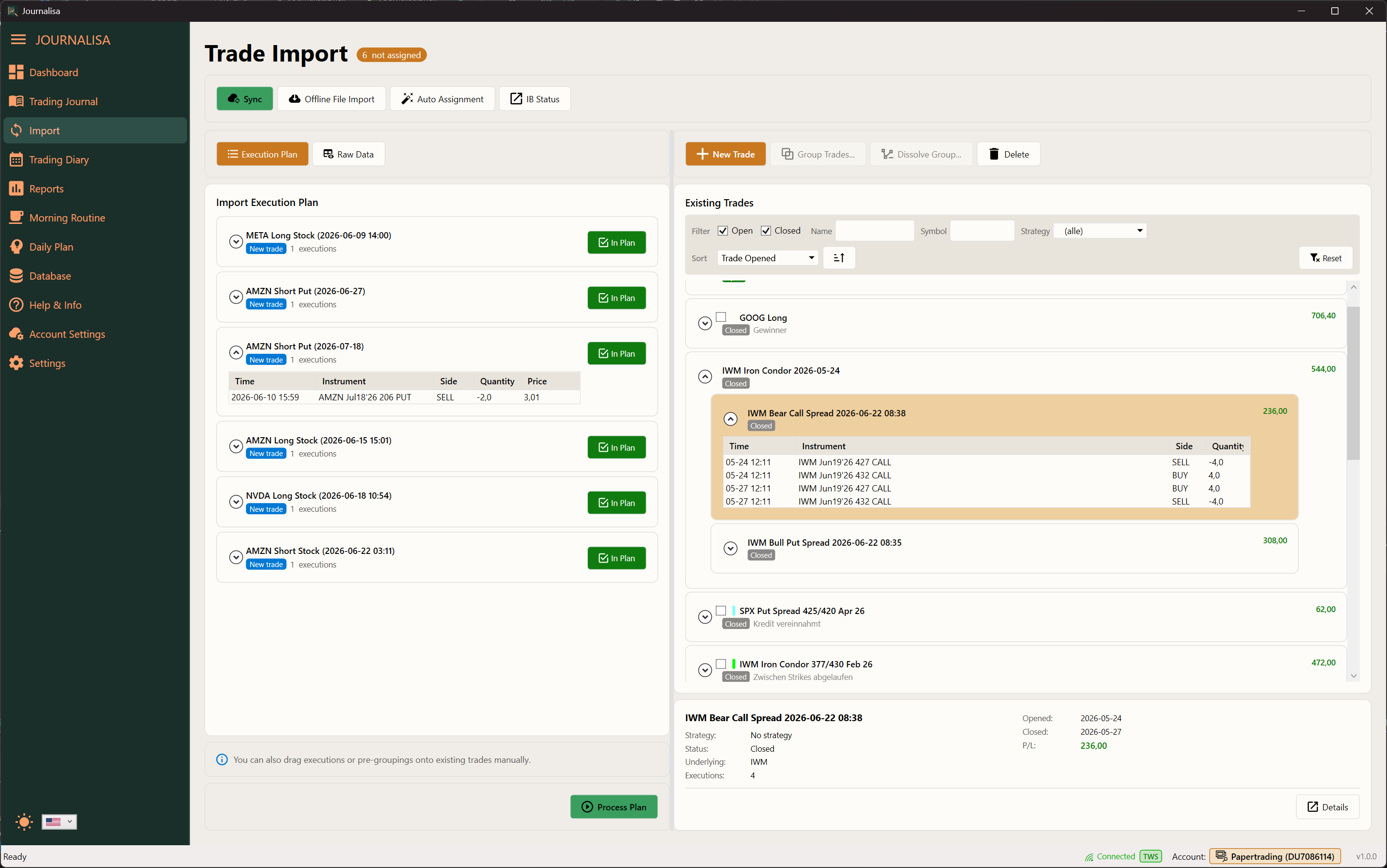
Journalisa imports your executions directly from Trader Workstation (TWS), via the FlexQuery API, or from local XML files. All trades are captured automatically — no manual entry required.
Before import, an execution plan shows how executions will be grouped into trades — so you stay in control at all times.
- Direct connection to TWS / IB Gateway
- Online import via FlexQuery API
- Local XML file import
- Reviewable import execution plan
Built for complex options strategies
Journalisa automatically detects options strategies based on executions. Multiple legs are intelligently merged into a single trade — for example Iron Condors, vertical spreads, or any other multi-leg strategy.
What other journals cannot represent is standard in Journalisa.
- Automatic strategy detection
- Multi-leg order consolidation
- Manual adjustments at any time
- Support for paper accounts
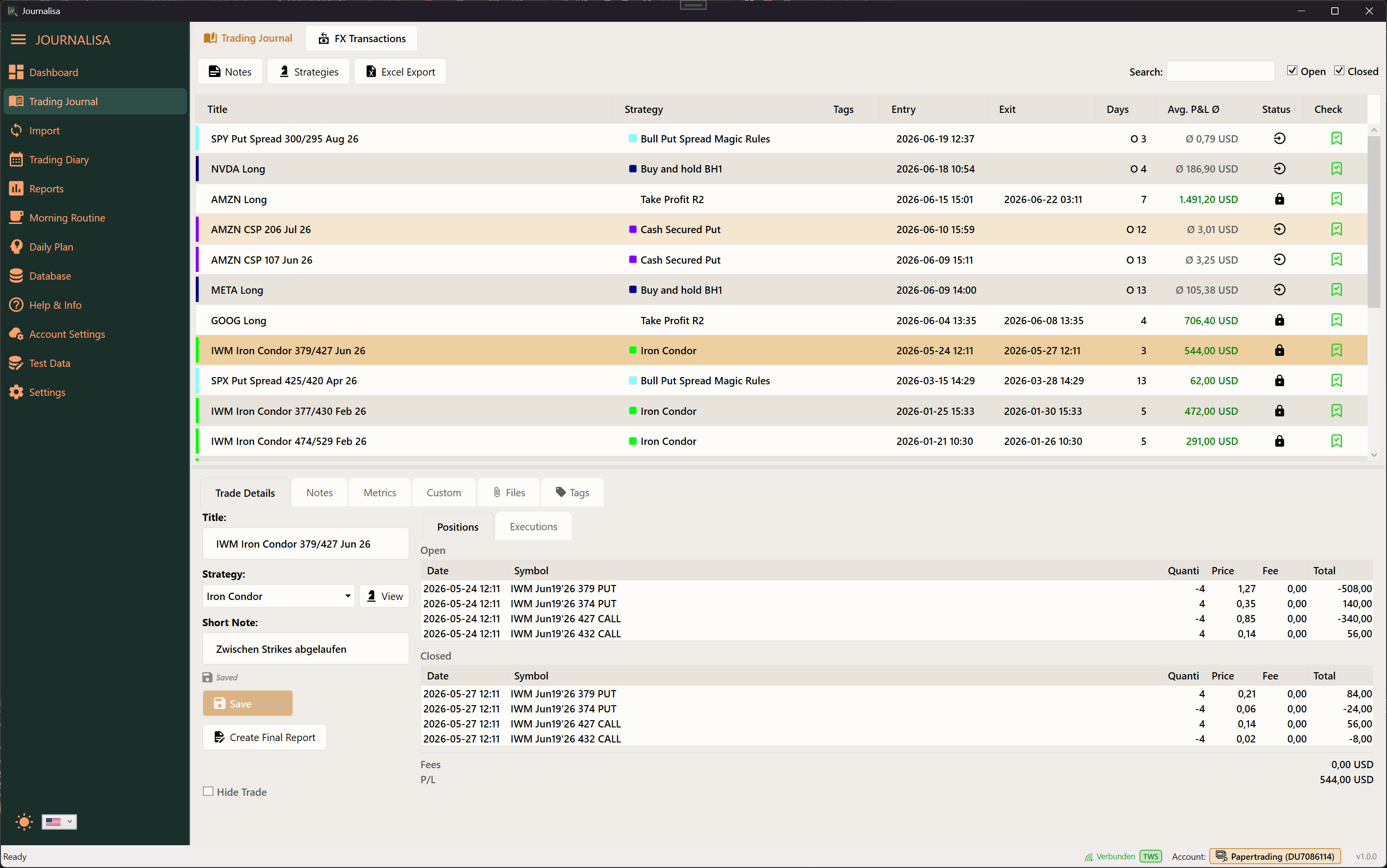
Structure throughout your trading day
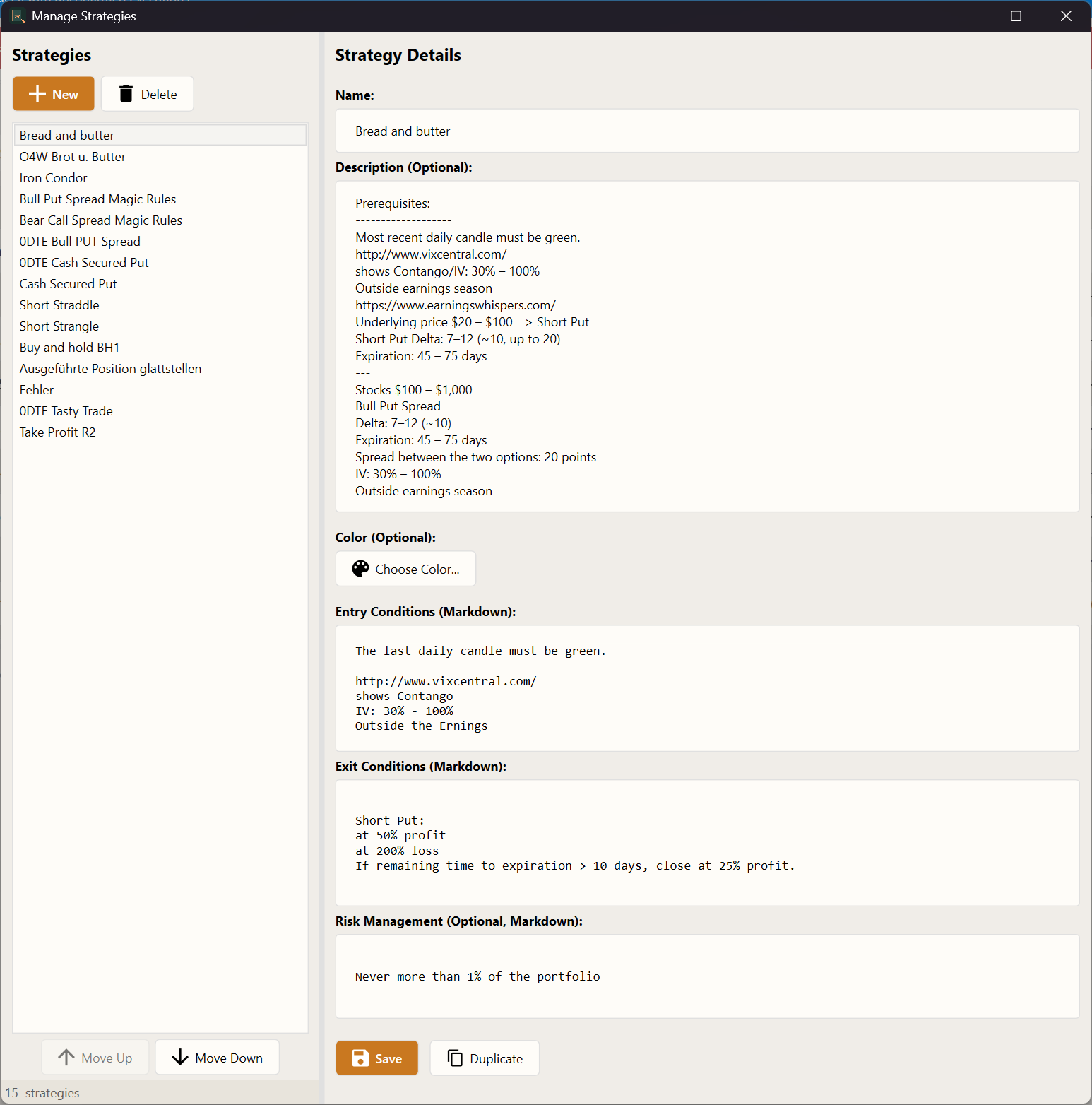
Journalisa supports you from start to finish: begin with a structured morning routine, capture your planned setups in the daily plan, and later review whether you traded according to plan.
Your personal process — fully documented and ready for analysis.
- Guided morning routine with custom links & notes
- Daily plan for trade ideas and setups
- Structured post-trade review
- Discipline checklists in your analytics
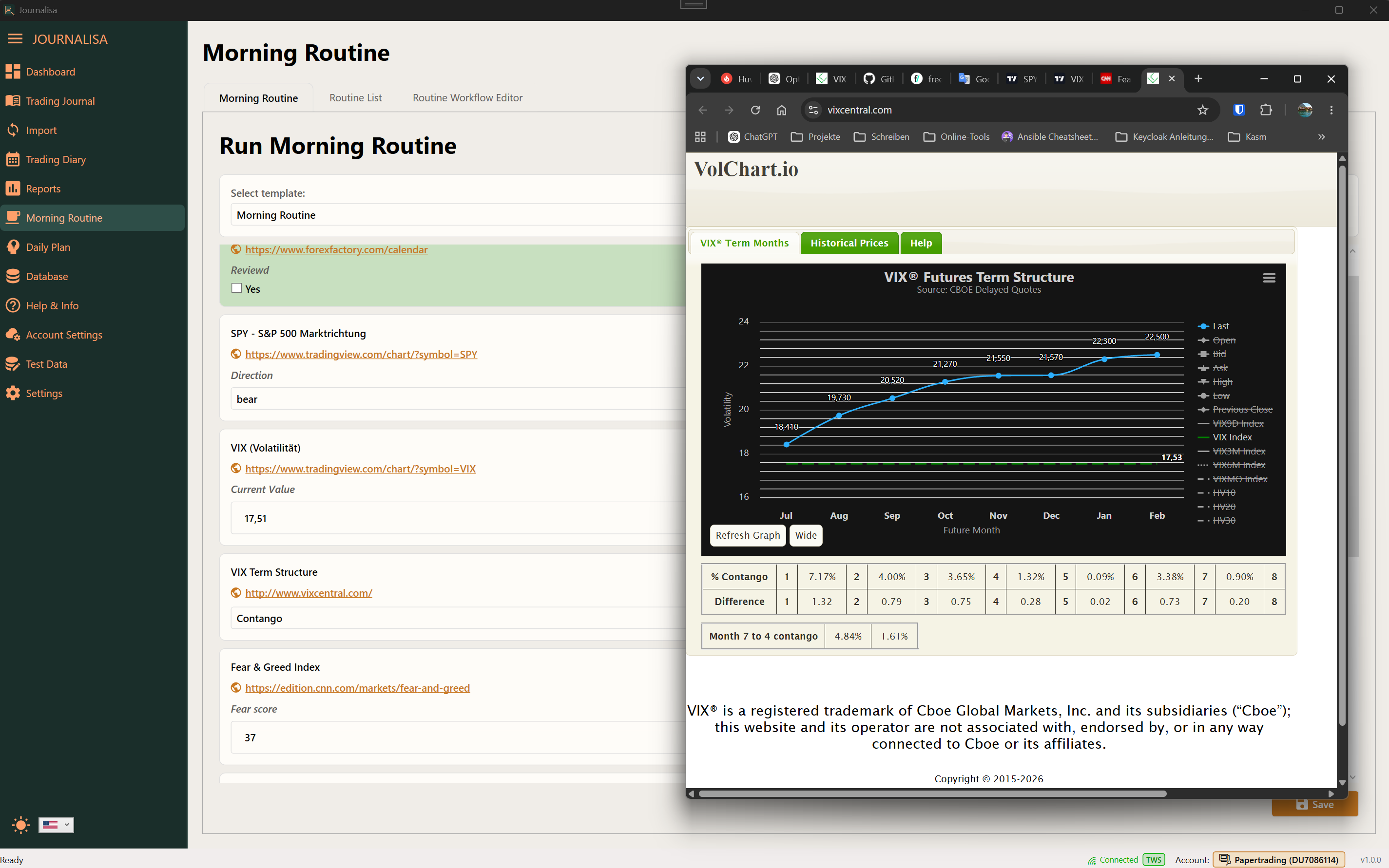
Comprehensive analysis for data-driven trading
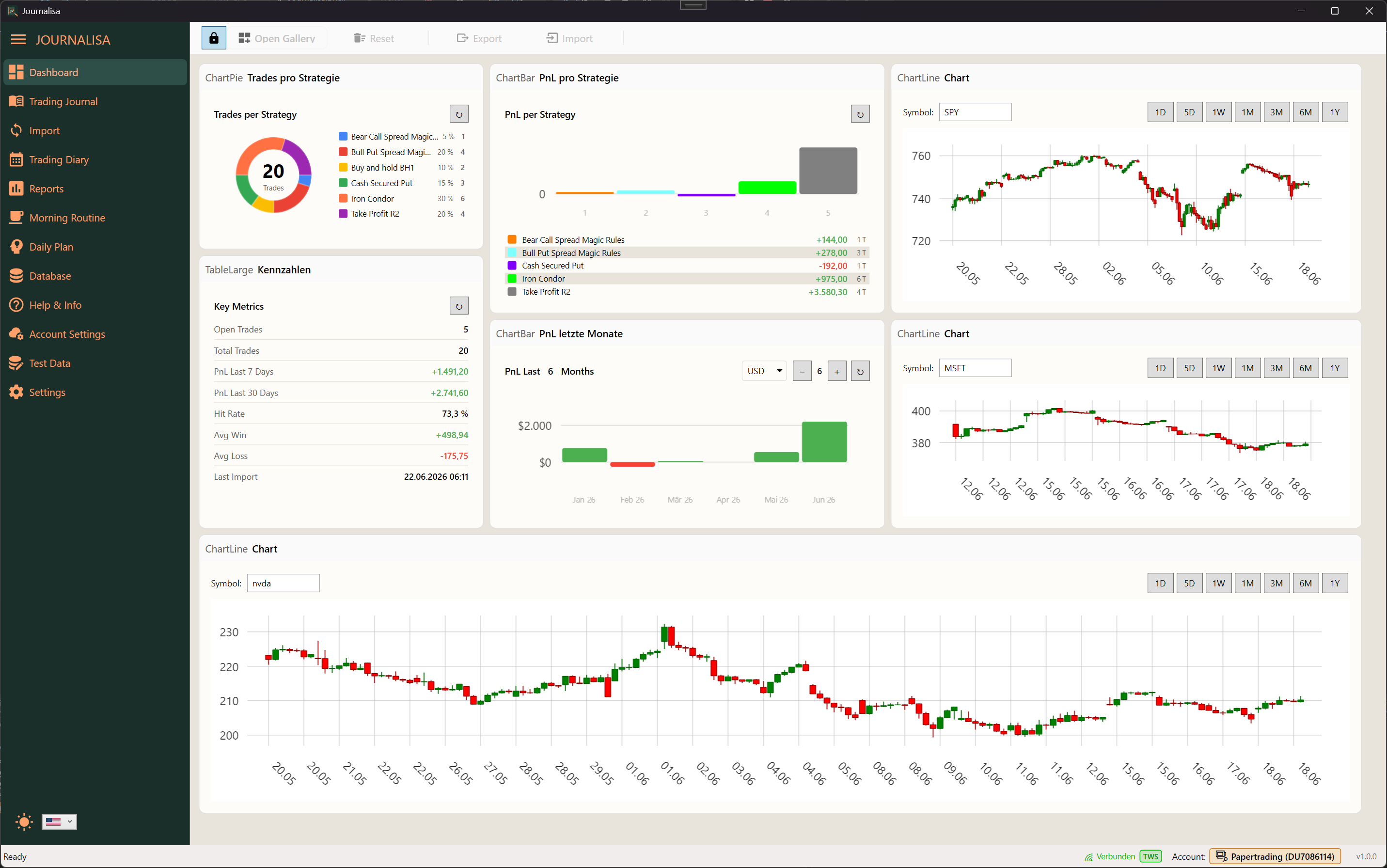
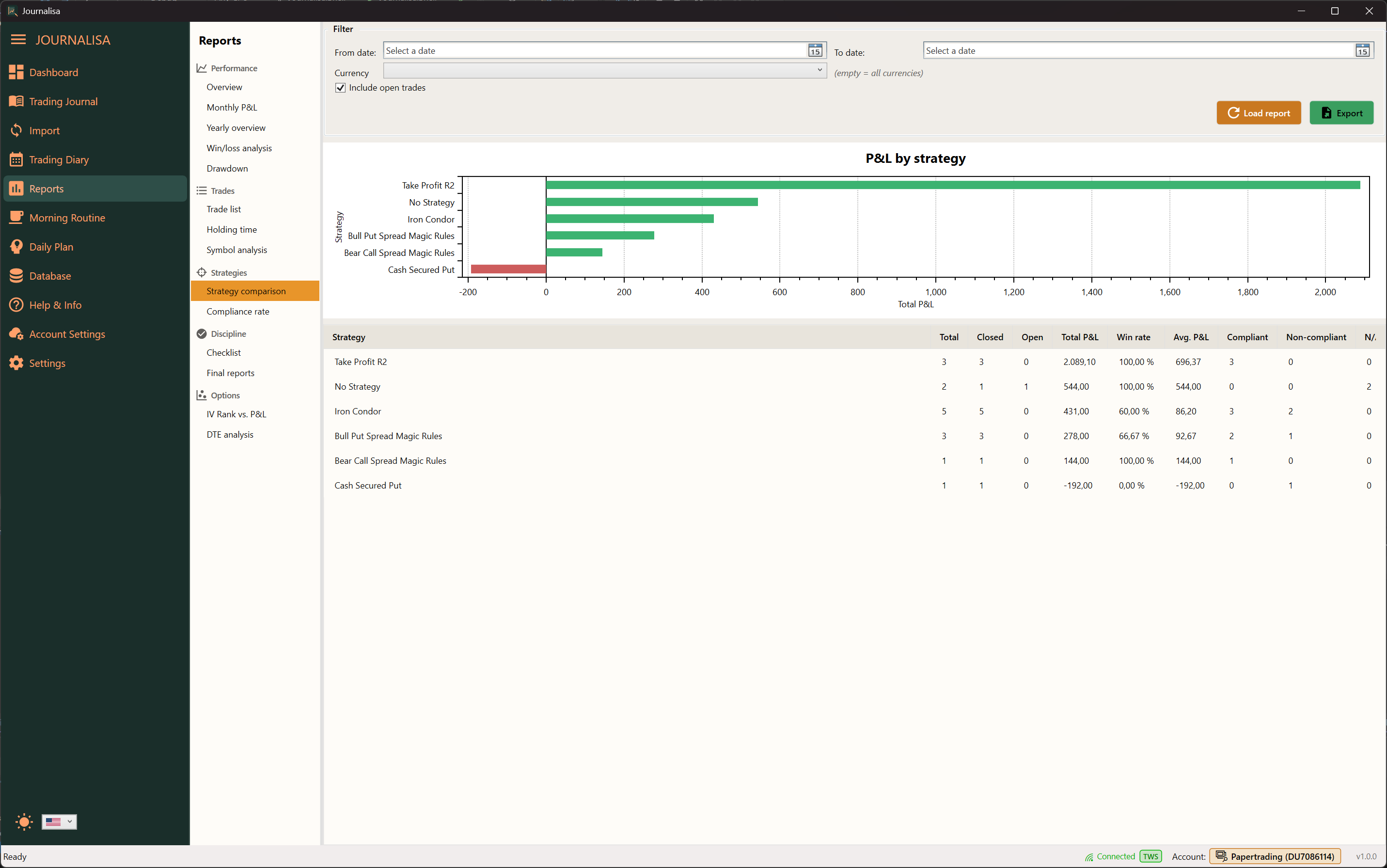
Journalisa automatically calculates all key metrics: PnL, win rate, profit factor, drawdown, and more. Analyze your performance by strategy, holding time, IV Rank, DTE, and many other dimensions.
All data can be exported to Excel at any time.
- Monthly and yearly performance reports
- Strategy and holding-time analysis
- IV Rank vs. PnL and DTE analysis
- Excel export for all data
Your data, your control
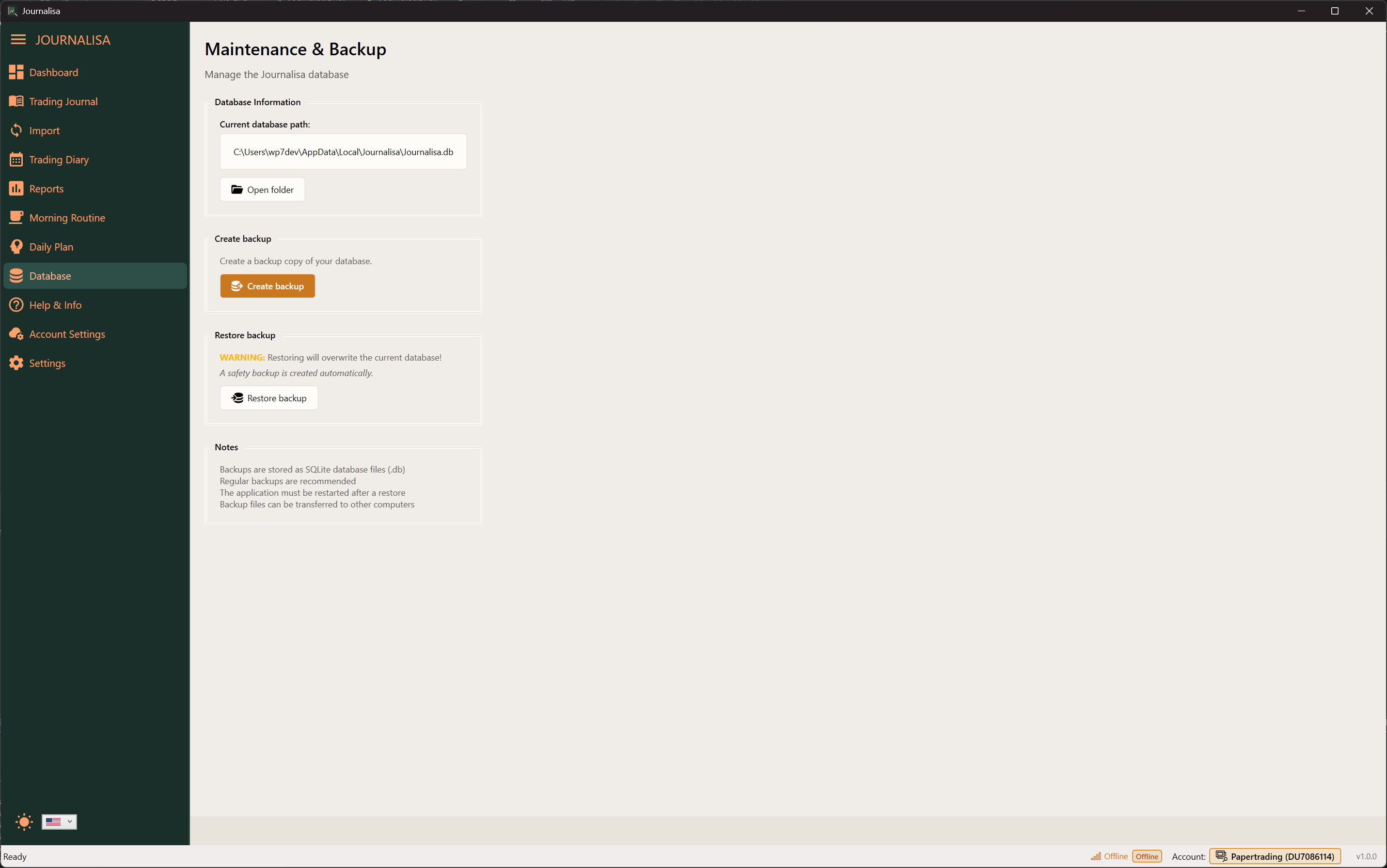
Journalisa stores all information locally on your computer. No cloud, no dependency on external services — full control over your sensitive trading data.
Create complete backups, restore them, or export individual accounts — for example to share with your mentor or tax advisor.
- Local data storage (no cloud)
- Complete backup and restore
- Export individual accounts for sharing
- Multi-account support
All features at a glance
Trading Journal
Document stock and options trades in a structured way. Add notes, tags, screenshots, and attachments — maximum freedom without forced templates.
IBKR Import
Direct connection to TWS or IB Gateway. Automatic import of all executions — also via FlexQuery API or local XML files.
Multi-Leg Support
Automatic recognition of complex options strategies. Iron Condors, spreads, and other multi-leg trades are represented correctly as one unit.
Morning Routine
Define a structured morning routine with your own links, market observations, and notes. Prepare for the market professionally every day.
Daily Plan
Capture your trade ideas and planned setups before the market opens. Later review whether you traded according to plan.
Dashboard & Reports
Configurable widgets for PnL, win rate, profit factor, and more. In-depth reports by strategy, holding time, and other dimensions.
Journalisa in action
A look inside the application